Reaction Time guide
Reaction Time on One of the Things is a game about pressing as fast as you can the moment a signal arrives. Pick one signal, a circle filling with color, a sound, or a ruler starting to fall, press a few times, and you get the median to a thousandth of a second. Records are kept separately for each test, so you can also compare how fast your eyes and ears react. This guide covers playing one round, the three test types, the false start rules, reading results and history, and how to measure more accurately.
Get started
When you first open it, the test type is 'Color' and a round has 5 attempts. You can try a round without changing anything.
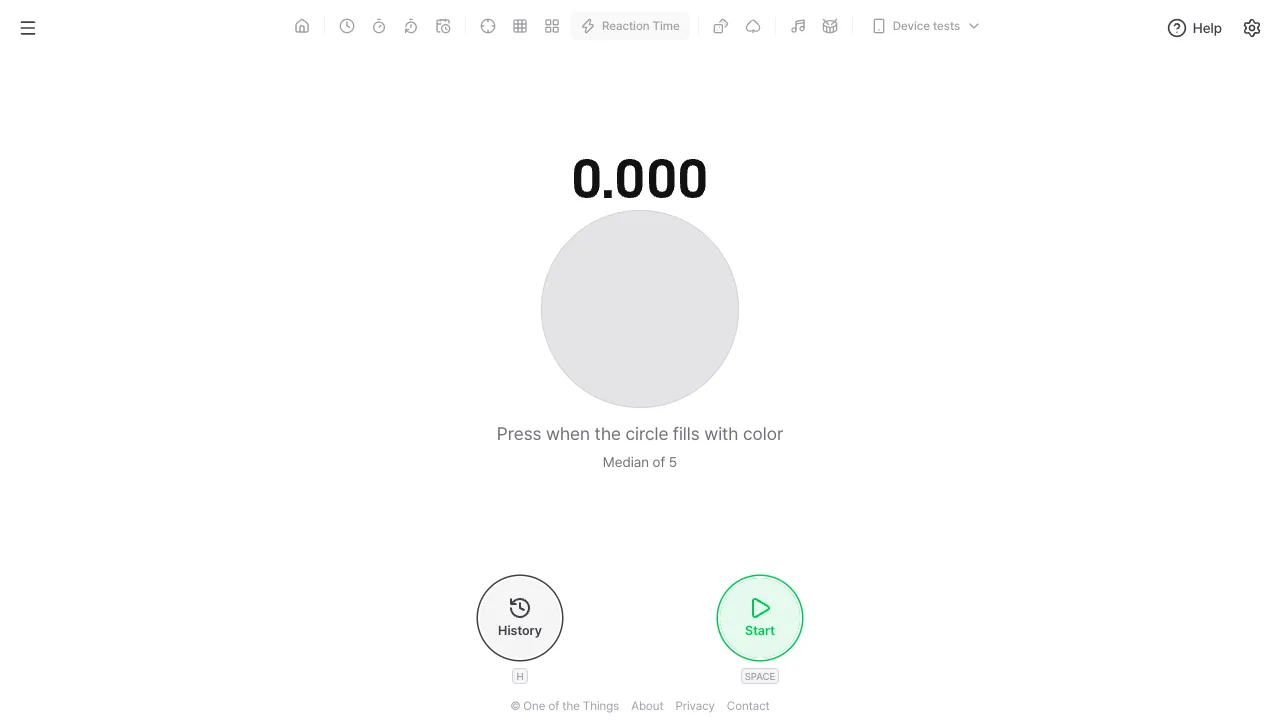
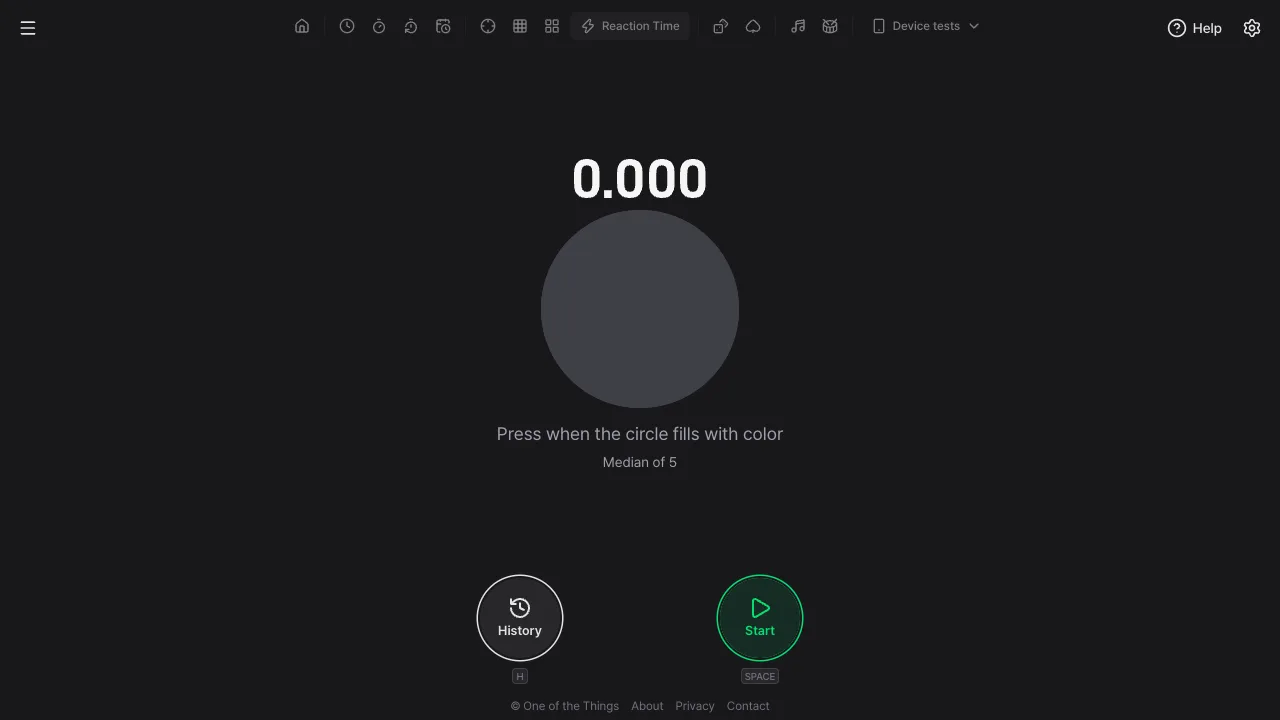
- Open the menu with the menu button at the top left and tap 'Reaction Time'. On a wide screen you can also tap it right in the tool list at the top. The gray circle in the middle is where the signal will appear.
- Press 'Start' at the bottom right, or press the Space or Enter key. On a phone you can also tap anywhere on the screen.
- The circle turns into an empty ring. Get your hand ready and wait. The signal can come at any moment within 1–5 seconds.
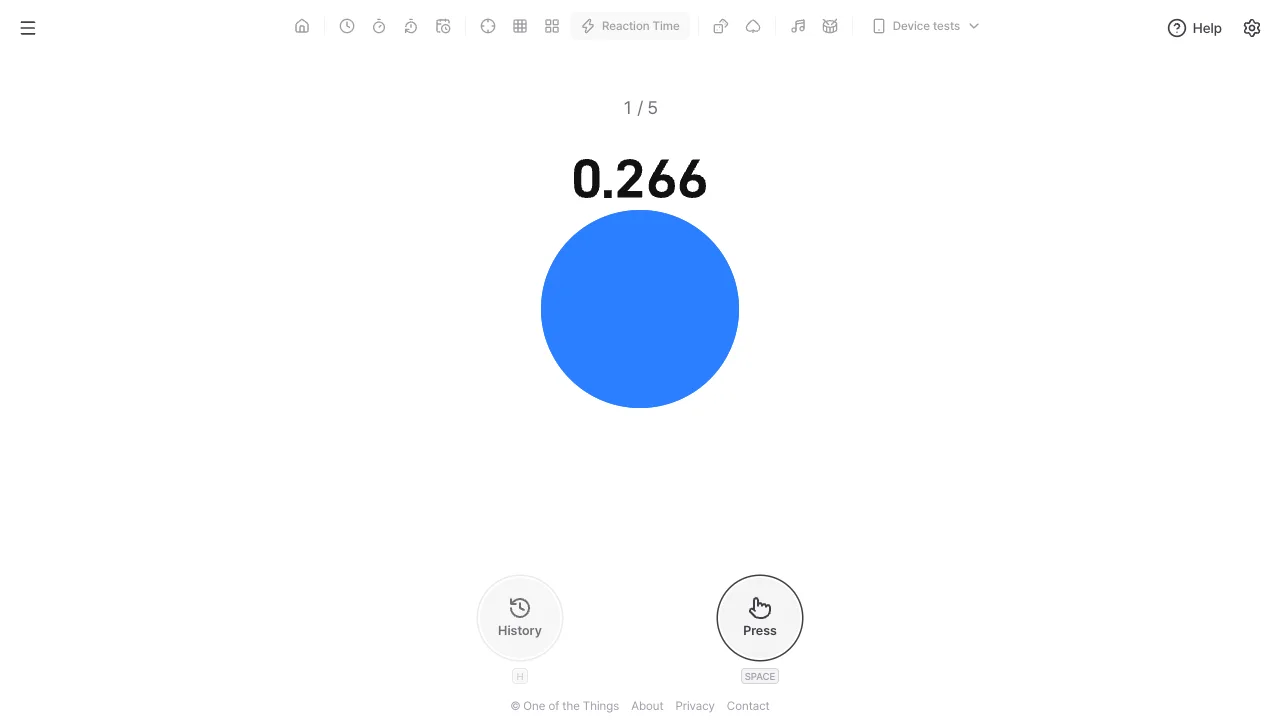
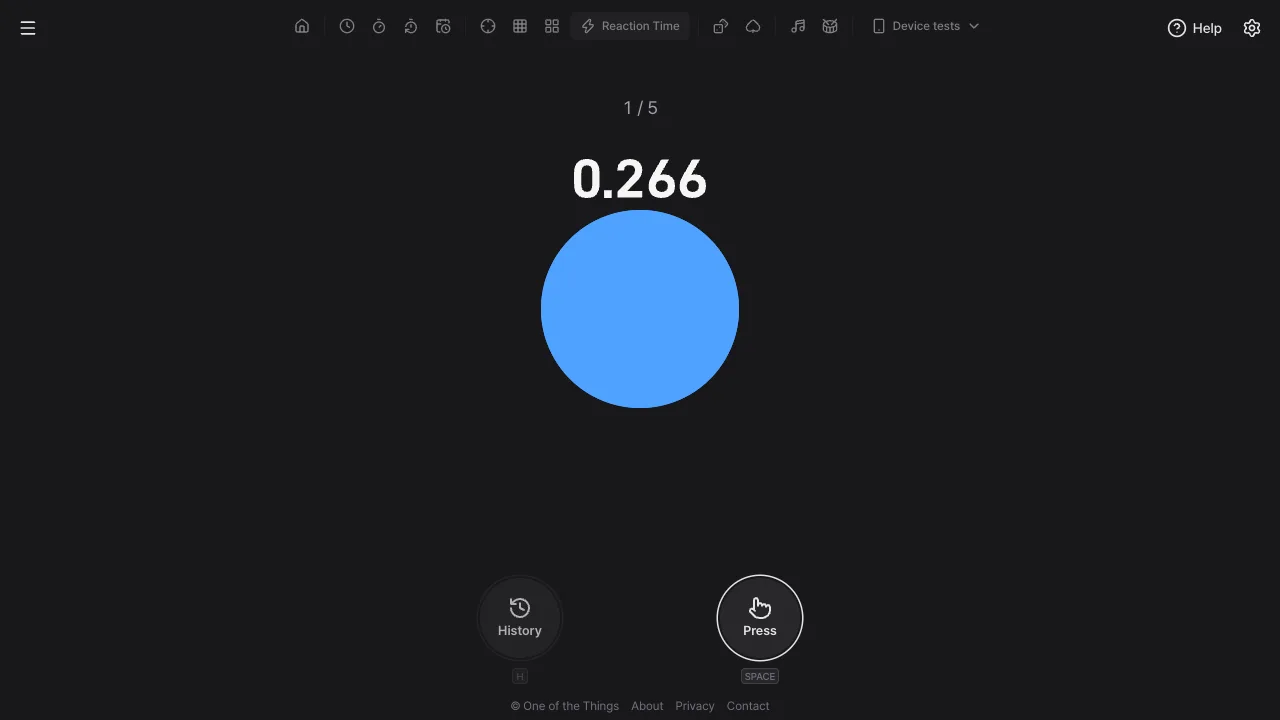
- The moment the circle fills with color, press as fast as you can, with the button, a key or the screen. The number above the circle stops at your reaction time.
- Press 'Next' for the next attempt. Once you finish the set number of attempts, the median of your attempts appears as the round result.
Three test types
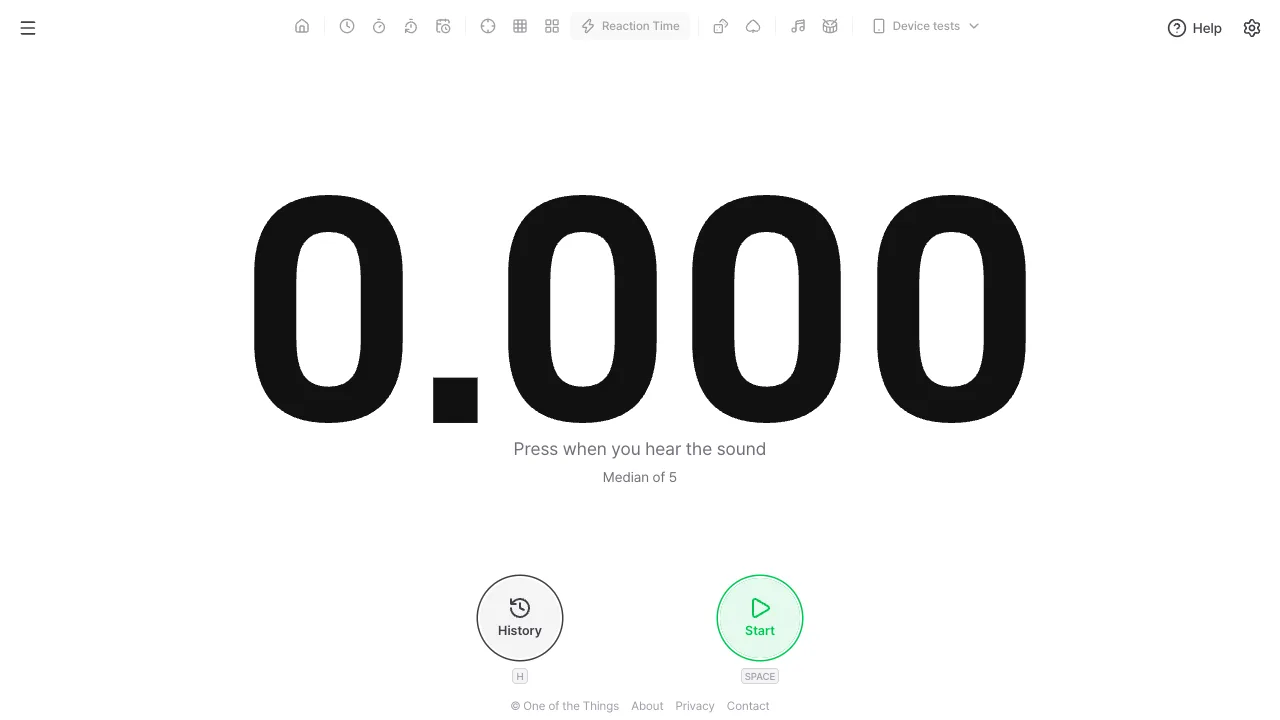
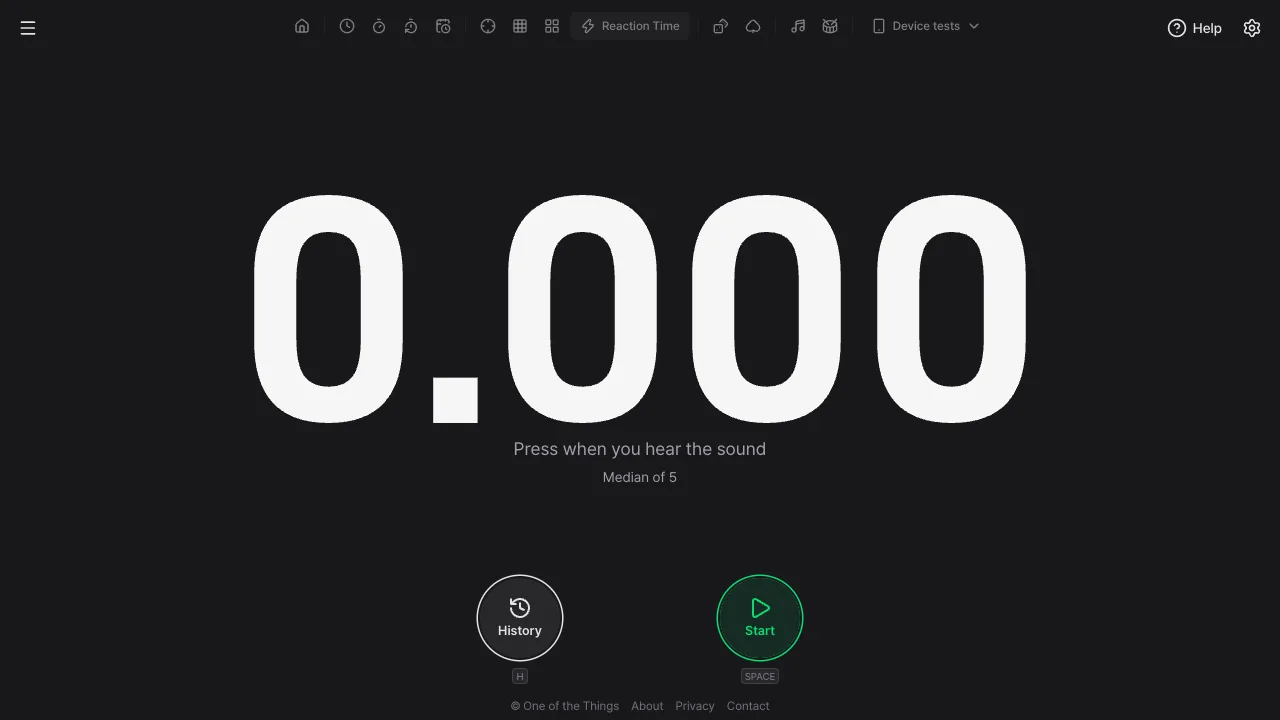
Choose the 'Test type' in the 'Game' section of the settings panel (the gear at the top right). It starts on 'Color'. Depending on how the signal arrives, you measure how you react to sight, to sound or to motion, and records are kept separately for each test.
- Color: the circle is gray on standby, becomes an empty ring when you start, and fills with the app's accent color at the signal. The small number above the circle runs from the moment of the signal and stops when you press. The signal is a big change in brightness, not just in hue, so it looks the same to people who have trouble telling colors apart. It gives no ready sound and uses the screen alone, so you can use it where sound is not an option.
- Sound: the signal is a soft 'ding'. From the start until you press, the screen does not change at all. If the screen changed too, you would get the signal through both eyes and ears, and it would no longer measure your reaction to sound. With the volume at 0 you cannot start, and 'The sound test can’t be used while the volume is 0' appears. An iPhone in silent mode may not play sound, so on phones the standby screen shows a reminder to check the sound until you finish one sound round.
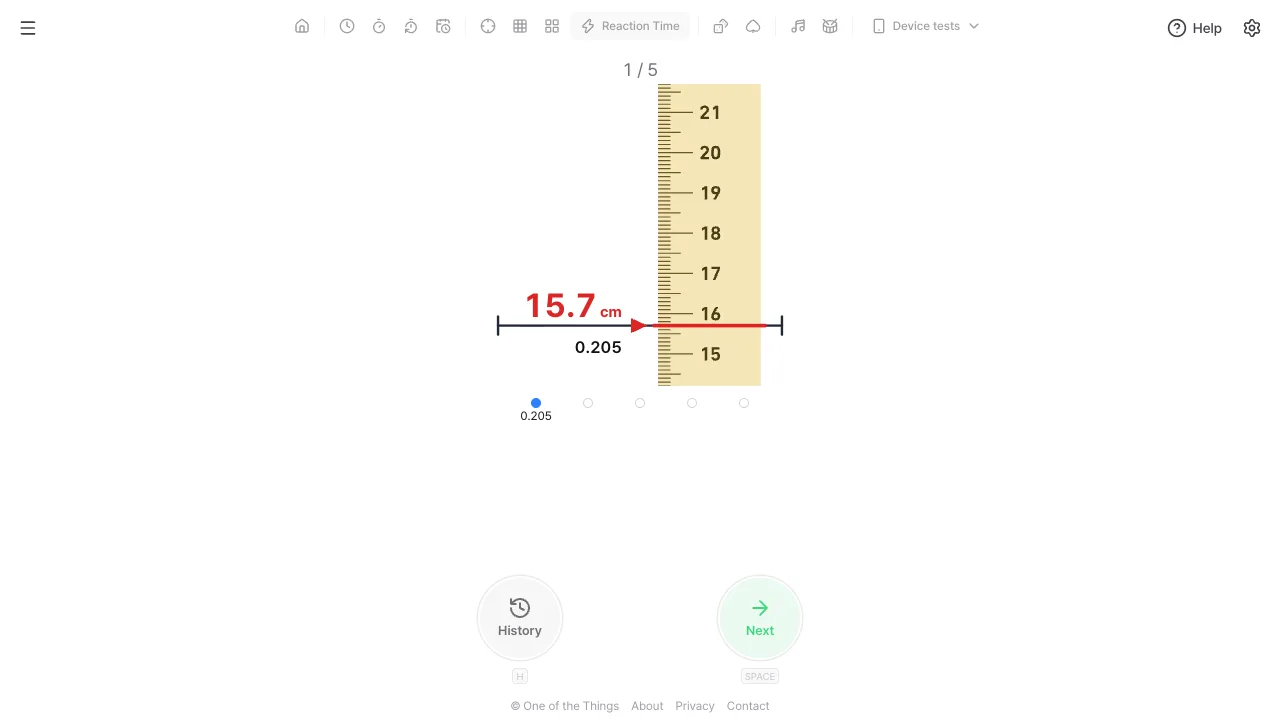
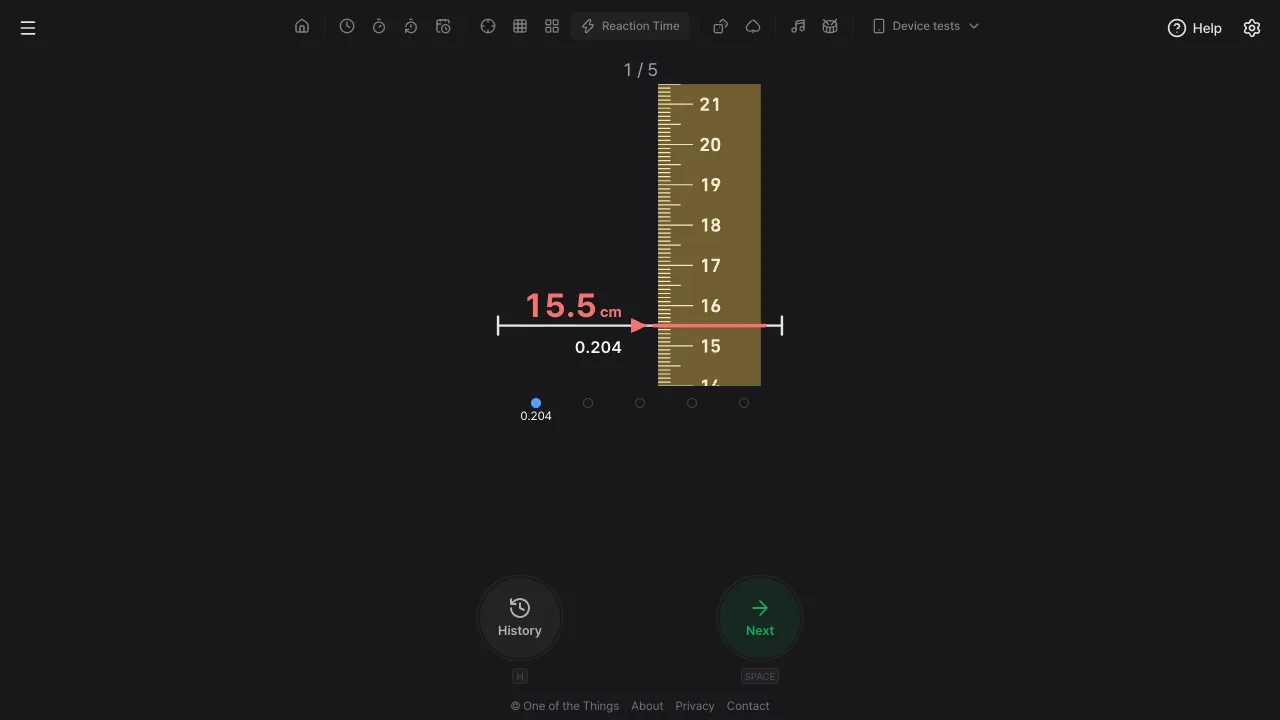
- Ruler: the school experiment of catching a falling ruler, brought to the screen. The 0 end of the ruler hangs about 4.9 cm above the line and falls under real gravity at the signal. When you press, the ruler stops and the mark at the line is shown large in cm, with your reaction time below it. The smaller the mark, the faster you were. The round result also keeps the ruler stopped where the median would put it. The ruler moves even if reduce motion is on for your device, because the motion is the signal.
One attempt and false starts
After you press Start, nothing on screen or in sound changes until the signal. There are no clues to how much time is left, so only reactions to the signal itself are measured.
- Waiting time: the signal comes at a random moment within 1–5 seconds. If every moment were equally likely, the longer you waited the more you could tell it was about to come, so the wait is drawn so that the signal is about as likely at any moment. That is why short waits come up more often.
- Pressing early: if you press before the signal, you see 'False start · you pressed before the signal'.
- Too fast: pressing less than 0.1 seconds after the signal counts as guessing the moment rather than reacting to it, and you see 'False start · faster than 0.1 s counts as a guess'. It is the same limit used for false starts in track and field.
- Too late: if you do not press within 2 seconds of the signal, it is 'Too late'. In the Ruler test, letting the ruler fall all the way gives 'You missed the ruler'.
- Retrying: a false start or too late only voids that attempt, and 'This attempt will be repeated' appears. Press 'Next' to redo the same attempt number. The round goes on, and these count toward 'False starts' in the round result.
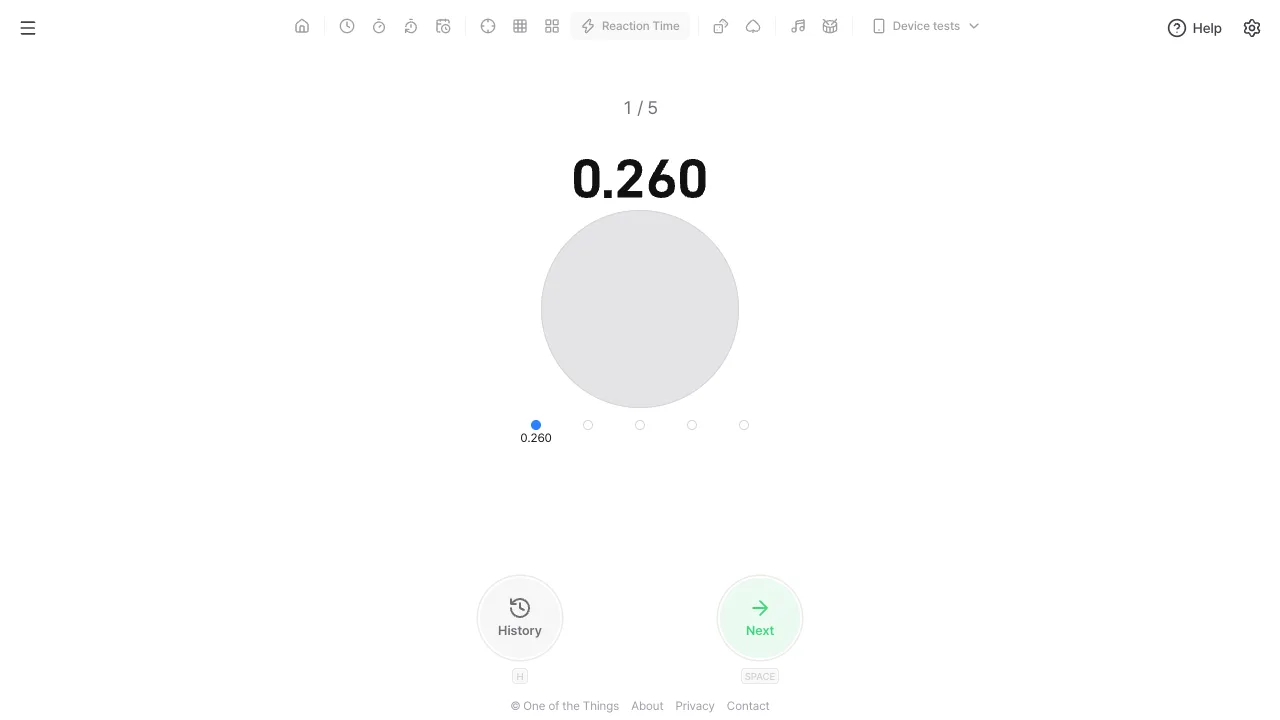
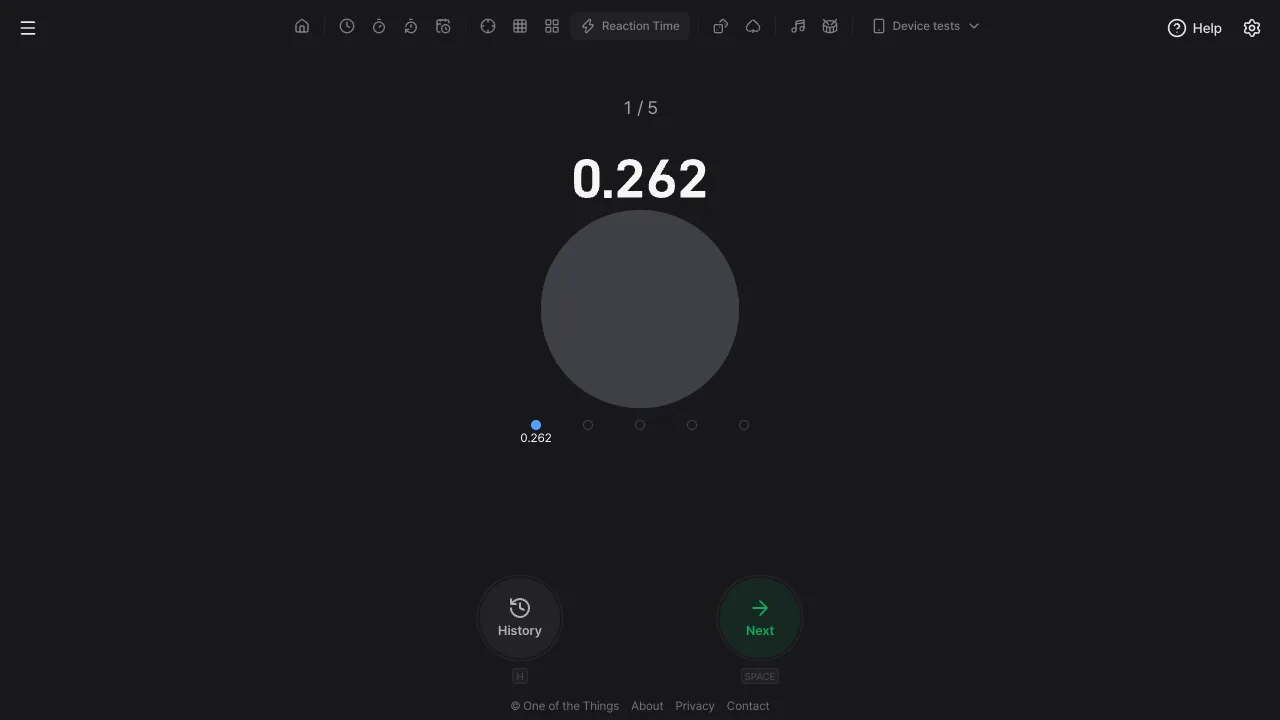
- Attempt result: '1 / 5' at the top tells you which attempt you are on, and the row of dots below has one dot per attempt, filling in with each finished value. Press 'Next' (Space) to start the next attempt. Input is ignored for 0.6 seconds after a result, so repeated presses cannot start the next attempt by accident. During a round the 'Press' button looks the same before and after the signal, because a change in the button would itself become a signal.
Reading the round result
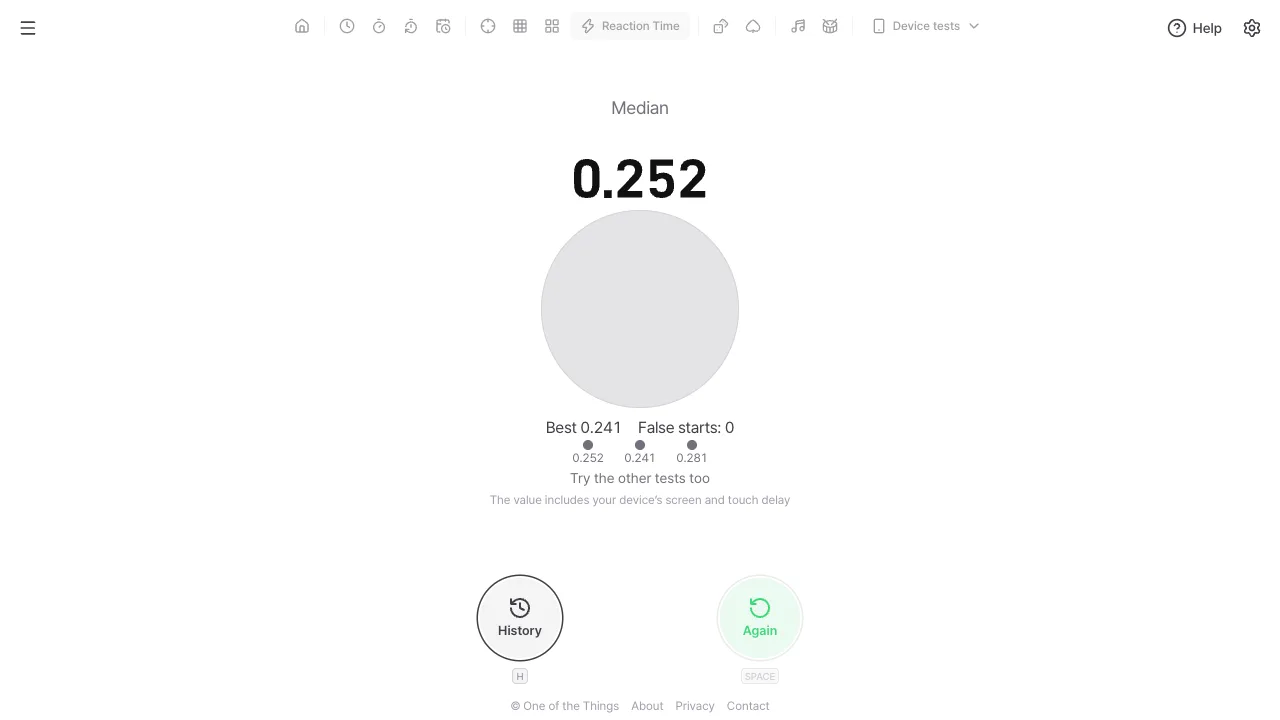
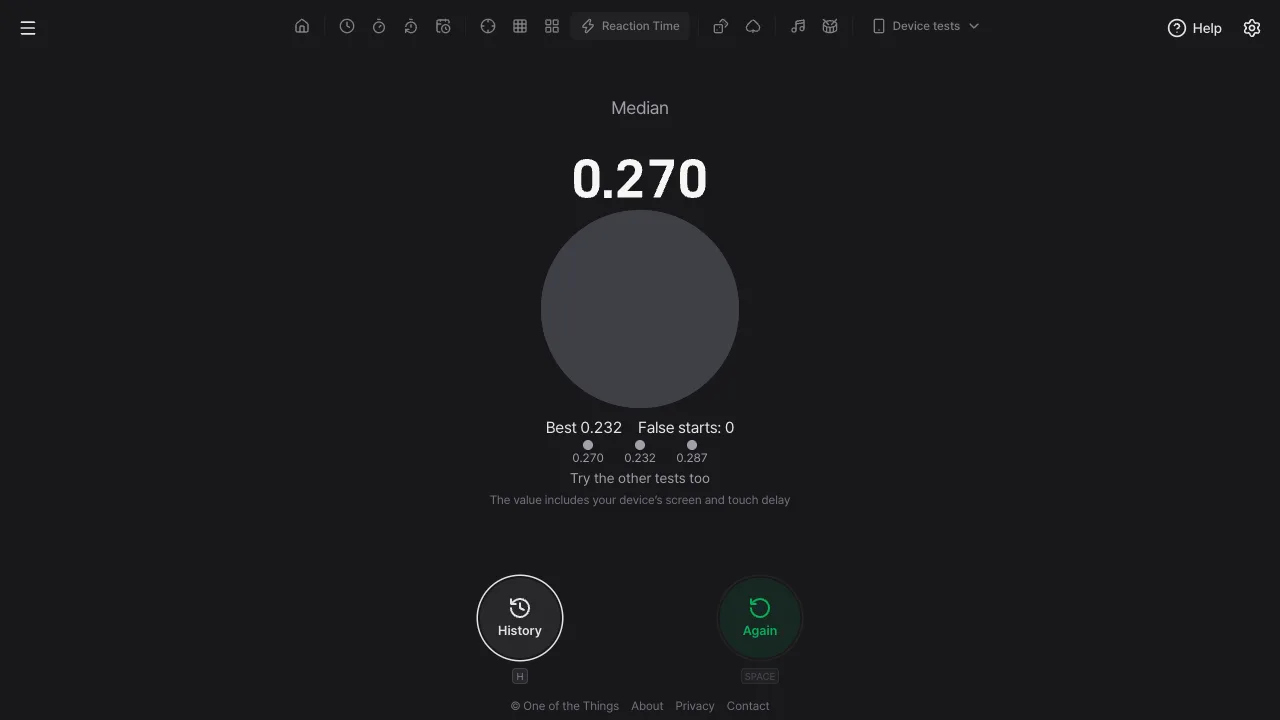
As soon as you finish the set number of attempts, the round result appears. 'Median' is at the top, and the big number below it is the record for this round.
- Median: the middle value when your attempts are lined up from fastest to slowest. It is used instead of the average so that one attempt where your mind wandered does not drag the result up. With an even number of attempts it is the average of the two middle values.
- Best and false starts: 'Best' is the fastest attempt in this round, and 'False starts: 0' is the number of attempts that were voided and repeated. The row of dots below shows the value of each attempt.
- New best: if the median beats every earlier round of this test, 'New best' appears. It does not appear on the first round of a test. The 'Best' on the standby screen shows that value.
- Comparing tests: if you also have records for another test, one line compares the recent records of each test, like 'Sound beat Color by 0.040 s'. If not, 'Try the other tests too' appears.
- Again: press 'Again' (Space) to go straight into the first attempt of the next round with the same settings. For the first second after a result the button is briefly off.
Attempts and display
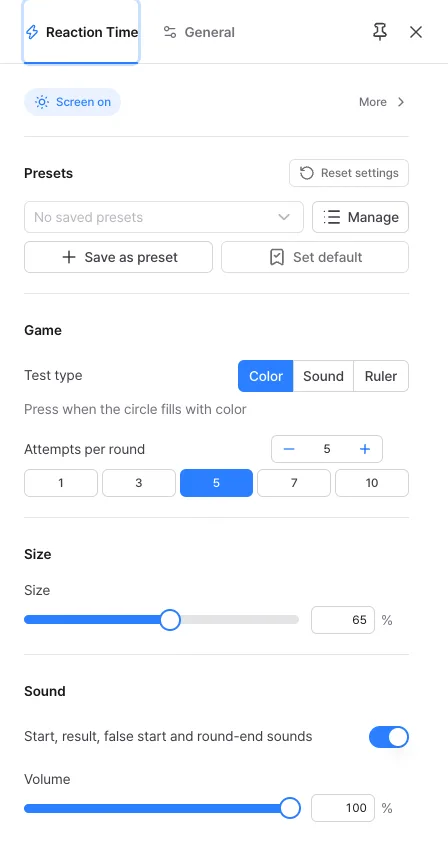
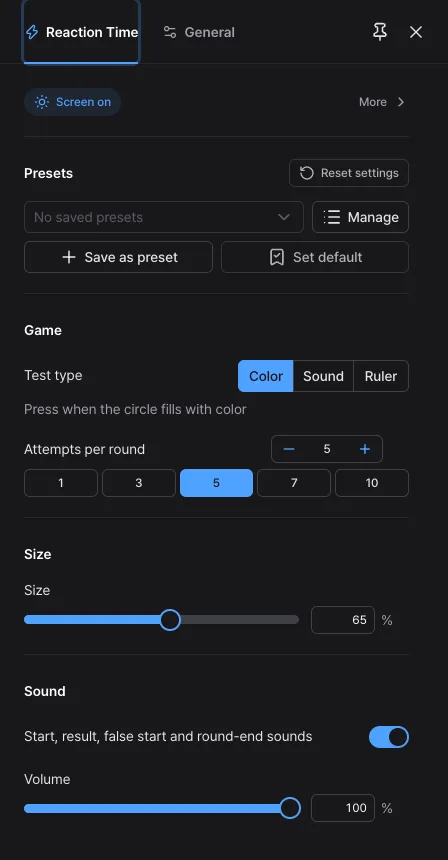
From the top, the settings panel has the 'Presets', 'Game', 'Size', 'Display' and 'Sound' sections. Which sections appear depends on the test type.
- Attempts per round: type 1 to 10 (default 5) or tap a quick choice below (1, 3, 5, 7, 10). Changing the 'Test type' or the number of attempts during a round or on the round result closes that round and goes straight back to standby with the new settings (the closed round is not recorded).
- Size: sets the size of the circle in the Color test, or of the big number in the Sound test, from 25 to 100% (default 65%). Beyond a certain size the circle hardly affects reaction time, so set it to whatever is comfortable to look at. In the Ruler test the ruler is drawn to fit the screen height, so this section does not appear.
- Display: a section that appears only for the Sound test. Choose the display style, font, color and background of the big number. There is no flip style. In the Color and Ruler tests it is hidden and the starting look is used.
- Sound: 'Start, result, false start and round-end sounds' (on at first) turns the sounds that mark the progress of a round on and off together. In the Color and Ruler tests no sound plays anywhere near the moment of the signal, so a sound can never give it away. The signal sound of the Sound test cannot be turned off.
- Volume: applies to every sound (100% at first), including the signal sound of the Sound test.
History and comparing tests
When a round result appears, the round is added to your history automatically. Open it with the 'History' button at the bottom (the H key), available on the standby and round result screens only.
- Storage: the last 100 rounds are kept in this browser on this device. They do not show on other devices.
- Separate for each test: at the top are three rows for Color, Sound and Ruler, each with 'Median of last 10 rounds', 'Best round' and 'Fastest attempt'. A test you have not tried yet shows 'None yet'.
- One set of stats whatever the attempts: rounds of 3 and of 5 attempts count together as long as the test is the same. Since each round uses its median, the number of attempts has little effect.
- Round list: the date, the test and number of attempts (like 'Color · 5×'), the median, the value of each attempt, and the number of false starts if there were any, newest first.
- Differences between senses: once you have tried two or more tests, the comparison line in the round result and the 'Median of last 10 rounds' here show how differently you react to sight, sound and motion.
- Clearing: 'Clear history' in the history window removes everything at once. You can bring it back with 'Undo' in the notice that appears.
Measuring accurately
Your reaction time includes not only your own reaction but also the time your device takes to put out the signal and take in your input. That is what 'The value includes your device’s screen and touch delay' under the round result means.
- Input time: buttons, keys and the screen all register the instant you press down, not when you let go. It is not the time the screen was redrawn or processing finished.
- Screen tests (Color and Ruler): timing starts from the screen refresh where the signal is first drawn. The browser does not report how long that frame takes to actually appear on the display, so that delay stays in the record.
- Sound test: timing starts from the moment the sound is produced. The delay on the way to the speaker or earphones stays in the record, and when it is large you see 'Earphone or speaker delay is large, so times may be inaccurate (Bluetooth, etc.)'. The device speaker or wired earphones work better than Bluetooth earphones.
- Why delays are not subtracted: the screen delay cannot be known, so it cannot be removed, and removing it only for sound would favor the Sound test. All three tests keep the device delay in, so they can be compared fairly.
- Compare on the same device: results vary with the device, the browser and the keyboard (a wireless keyboard adds delay). When you compare from day to day or compete with friends, use the same device and the same way of pressing, and compare your own records rather than records from other sites or published averages.
Saving the settings you use
Settings are not saved each time you change them, so a reload returns to your default settings (the starting settings if you have not set a default). There are no built-in presets, only the ones you make. A preset holds the test type, the number of attempts, display and which sounds are on. Volume and size are not included because they differ by device.
- Change the test type and number of attempts as you like, then press 'Save as preset' in 'Presets' at the top of the settings panel. If you leave the name empty, an easy-to-read name such as 'Sound · 5×' is added.
- From then on, just pick it in the selection box. Picking one also changes the address to that setup, so you can bookmark it.
- If you always want to open with the same settings, press 'Set default'.
- In 'Manage' you can rename, overwrite or delete presets (up to 12) and send the same setup to a friend with a copied link or QR code.
- To go back to the starting state, press 'Reset settings'. This also clears the settings you saved with 'Set default', but you can bring them back with 'Undo' in the notice that appears.
Ways to use it
A few examples and settings that suit them.
- Check how you feel: in the morning or after a short night, play one 'Color' round of 5 on the same device and compare it with your usual 'Median of last 10 rounds' to gauge your state today.
- Warm up before a game: raise the attempts to 10 and play a few rounds to wake up your hands and eyes. Keep an eye on your false starts too.
- Compete with friends: pass the same device around and take turns. You can send a preset link with the same test type and attempts so everyone plays the same setup on their own device, but delays differ between devices, so competing on one device is fairer.
- Eyes versus ears: play a few rounds each of 'Color' and 'Sound' and look at the comparison line in the round result. Reactions to sound are often said to be a little faster; check it with your own records.
- School experiments: the 'Ruler' test works on the same principle as the falling ruler experiment. Compare it with results from a real ruler, or use it to explain how reaction time relates to the distance fallen.
Frequently asked questions
- I pressed after seeing the signal, but it says false start.
- A reaction faster than 0.1 seconds after the signal is treated as a guess and counted as a false start. It takes people longer than that to notice a signal and move their hand, so anything faster is taken as pressing on a hunch about the timing rather than on the signal (the same limit as false starts in track and field). Just redo that attempt with the same number. In the Ruler test, stopping before the end of the ruler reaches the line means the same thing.
- Why the median and not the average?
- If your mind wanders once and you press late, the average jumps but the median barely moves. It shows your skill in each round more evenly, so both the round result and the history use the median. Your single fastest press is still shown separately as 'Best' and as 'Fastest attempt' in the history window.
- The Sound test will not start, or I cannot hear anything.
- With 'Volume' at 0 the Sound test cannot start, so turn it up in the 'Sound' section of the settings panel. If sound cannot be played, 'Couldn’t start because sound isn’t available' appears. Check your device volume, and if your iPhone is in silent mode, turn silent mode off or turn on 'Sound in silent mode' in the settings.
- The Ruler test gives fewer cm than the school experiment. Is the ruler on screen actual size?
- In this tool the 0 end of the ruler falls from about 4.9 cm (the distance fallen in 0.1 seconds) above the line, so the same reaction reads that much lower than in the experiment where your fingers start at the 0 mark. The reaction time in seconds is the same. The ruler on screen is not actual size but a drawing fitted to the screen height; only the numbers on the marks are calculated from the real falling distance.
- I opened settings and my round disappeared.
- Opening the settings panel or the menu during a round, switching tabs or apps, going to another page or reloading cancels the round, and it is not recorded. While the page is hidden the display freezes and the signal cannot be drawn on time. Change settings on the standby or round result screen. Changing the 'Test type' or the number of attempts also closes the round result and returns straight to standby with the new settings (finished rounds stay in your history).
- My history is gone. Can I see it on another device?
- History is saved only in this browser on this device. It does not show on other devices, and it can disappear if you clear site data or use a private window. It is never sent to One of the Things servers.
Try it out right away. You can always return to the original settings with 'Reset settings' in the settings panel.
Other guides
- Clock guide
- Timer guide
- Stopwatch guide
- Countdown guide
- Target Time guide
- Number Recall guide
- Sequence Recall guide
- Random number guide
- Card Flip guide
- Metronome guide
- Rhythm guide
- Touchscreen Test guide
- Multi-touch Test guide
- Dead Pixel Test guide
- Refresh Rate Test guide
- Gyroscope Test guide
- Accelerometer Test guide